

-
Which internal components are required to build a PC?
To build a fully functional computer, you need a core set of essential computer internal components. This includes a central processing unit (CPU), a compatible motherboard, system memory (RAM), a graphics card (unless your CPU has integrated graphics), an internal storage device like an SSD, a reliable power supply unit (PSU), and a cooling system to keep your processor safe. -
What is the role of a motherboard in a computer?
The motherboard acts as the main physical foundation and communication hub for your entire computer system. It distributes power from your power supply to all your hardware and allows your processor, RAM, storage drives, and graphics card to communicate at incredibly fast speeds, ensuring your computer operates as a single, unified machine. -
How much RAM do I need for gaming and multitasking?
For an optimal modern computing experience, 16GB of RAM is considered the ideal baseline standard for everyday productivity and mainstream gaming. However, if you are building a high-end gaming PC upgrade, editing large 4K video files, or running virtual development machines, upgrading to 32GB of high-speed DDR5 RAM ensures your system has plenty of headroom to handle heavy multitasking without slowing down. -
How can I improve PC performance with internal upgrades?
The fastest way to boost an ageing computers performance is to identify and replace its slowest components. Upgrading an old mechanical drive to a high-speed internal solid-state drive provides an immediate boost to your boot times, while adding more RAM prevents your system from stuttering when multiple programs are open. If your games are lagging, installing a fresh graphics card will instantly lift your frame rates. -
What should I consider when choosing a power supply?
When shopping for a desktop power supply unit, you need to focus on total wattage capacity, build quality, and efficiency ratings. Choose a power supply that comfortably handles the combined power draw of your CPU and GPU, and look for an "80 Plus" efficiency certification (such as Bronze, Gold, or Platinum) to ensure it runs cool, saves energy, and delivers stable power to your parts. -
Can I replace internal computer components myself?
Yes, replacing or upgrading internal computer hardware is a straightforward task you can easily do at home with a few basic tools, like a Phillips screwdriver. By following your component manuals closely, working slowly on a clean surface, and making sure your PC is completely unplugged from the wall, you can successfully upgrade your systems capabilities yourself.
- Página de inicio /
- Electrónica /
- Computer & Tablets /
- Computer Components /
- Computer Internal Components
Entrega
El tiempo de entrega puede variar según la tienda y el país. Para saber más sobre Política de envíos
Rango de precios
COP
-
Comprar por categoría
Shop Computer Internal Components Online in Colombia
Ordenar por
|
31% APAGADO

US Tienda
ARCTIC MX-4 4 g - Premium Performance Thermal Paste for All Processors
4.8
10k+ bought
COP 47679
68663

US Tienda
ARCTIC MX-7 8 g - Ultimate Performance Thermal Paste, Long Durability
4.8
9k+ bought
COP 66564
35% APAGADO

US Tienda
ARCTIC MX-7 4 g, incl. MX-Cleaner - Ultimate Performance Thermal Paste
4.8
4k+ bought
COP 71810
110631


US Tienda
Thermal Paste CPU 1.8g with Toolkit for CPU GPU IC and Heatsinks
4.7
4k+ bought
COP 52925
13% APAGADO

US Tienda
AMD Ryzen 5 5500 6-Core, 12-Thread Unlocked Desktop Processor with Wraith Stealth ...
4.7
3k+ bought
COP 486507
561839
5% APAGADO

US Tienda
AMD Ryzen 7 5700X 8-Core, 16-Thread Unlocked Desktop Processor
4.8
3k+ bought
COP 1034004
1086439
6% APAGADO

US Tienda
Thermal Grizzly Kryonaut - 1 Gram - Extremely High Performance Thermal Paste + 12 ...
4.6
2k+ bought
COP 84401
89647
22% APAGADO

US Tienda
TP-Link 2.5GB PCIe Network Card TX201 PCIe to 2.5 Gigabit Ethernet Card
4.7
2k+ bought
COP 139325
178829

US Tienda
ARCTIC MX-7 2 g - Ultimate Performance Thermal Paste, Long Durability
4.6
2k+ bought
COP 57646
25% APAGADO

US Tienda
Thermal Grizzly PhaseSheet PTM 50x40 mm Phase-Change Thermal Pad CPU GPU
4.5
2k+ bought
COP 94893
125896

US Tienda
ARCTIC Liquid Freezer III Pro 360 - AIO CPU Cooler,3 x 120 mm Water Cooling
4.3
2k+ bought
COP 388144
US Tienda
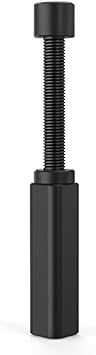
Graphics Card GPU Brace Support, Video Card Sag Holder Bracket, GPU Stand L, 74-120mm
2k+ bought
COP 66302


US Tienda
Thermalright Assassin X120 Refined SE CPU Air Cooler, 4 Heat Pipes, TL-C12C PWM ...
4.7
2k+ bought
COP 115404
21% APAGADO

US Tienda
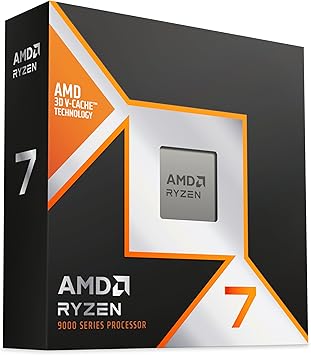
AMD RyzenTM 5 9600X 6-Core, 12-Thread Unlocked Desktop Processor
4.8
2k+ bought
COP 928796
1175621
US Tienda
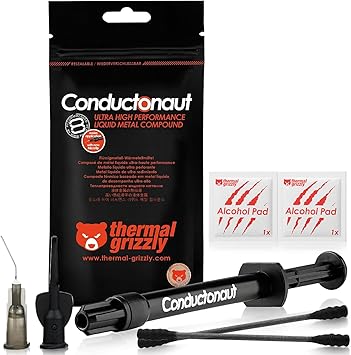
Thermal Grizzly Liquid Metal Thermal Paste Conductonaut 1 Gram
4.7
2k+ bought
COP 100139
9% APAGADO
US Tienda
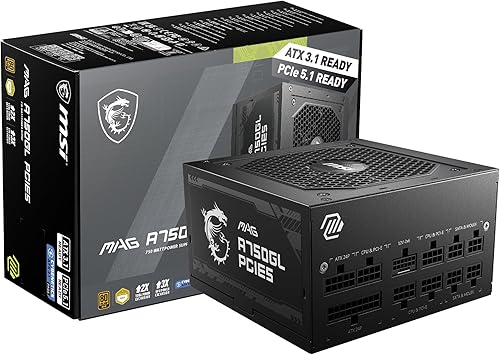
MSI MAG A750GL PCIE5, Fully Modular Compact Gaming 750W Power Supply, 80+ Gold, ATX ...
4.6
2k+ bought
COP 541904
598509

US Tienda
ARCTIC MX-4 8 g - Premium Performance Thermal Paste for All Processors
4.8
1k+ bought
COP 52925
4% APAGADO
US Tienda
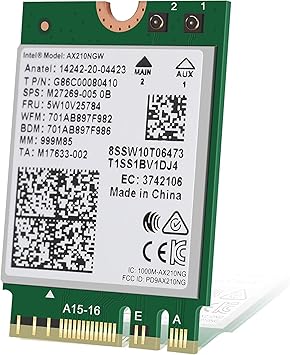
Intel AX210 Tri-Band Wi-Fi 6E Bluetooth 5.3 Network Card for Notebook
4.8
1k+ bought
COP 125844
131404
22% APAGADO

US Tienda
GIGABYTE B550 Gaming X V2 AMD AM4 ATX Motherboard, Supports Ryzen 5000/4000/3000 ...
4.5
1k+ bought
COP 546049
703429
17% APAGADO

US Tienda
AMD Ryzen 7 7700X 8-Core, 16-Thread Unlocked Desktop Processor
4.8
1k+ bought
COP 1252161
1511365

US Tienda
ARCTIC MX-4 incl. Spatula, 8 g - Premium Performance Thermal Paste
4.8
1k+ bought
COP 52925

US Tienda
ARCTIC MX-6 4 g - Ultimate Performance Thermal Paste for CPU, Consoles, Graphics ...
4.7
1k+ bought
COP 73909
8% APAGADO

US Tienda
Asus ROG Strix B550-F Gaming WiFi II AMD AM4 3rd Gen Ryzen ATX DDR4 Gaming ...
4.6
1k+ bought
COP 887039
965729

US Tienda
Thermaltake SMART 600W ATX 12V V2.3/EPS 12V 80 Plus Certified Active PFC Power ...
4.6
1k+ bought
COP 247027
15% APAGADO
US Tienda
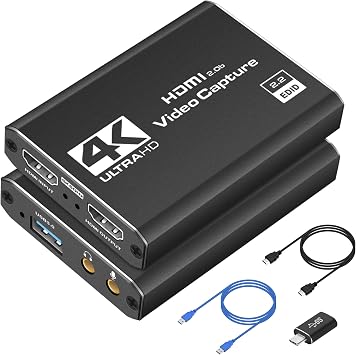
Capture Card 4K HDMI Video Streaming to USB 3.0 1080P 60FPS Capture Device
4.4
1k+ bought
COP 125737
147353
27% APAGADO
US Tienda
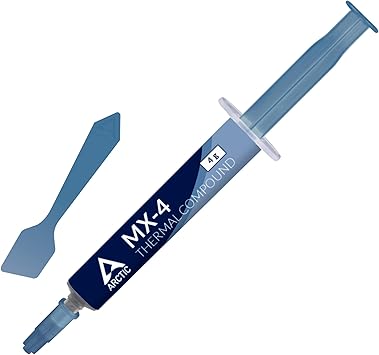
ARCTIC MX-4 incl. Spatula, 4 g - Premium Performance Thermal Paste
4.8
1k+ bought
COP 50302
68663

US Tienda
Intel Core Ultra 7 processor 270K Plus, 24 cores 8 P-cores + 16 E-cores up to 5.5 GHz
4.7
1k+ bought
COP 1621531
6% APAGADO
US Tienda
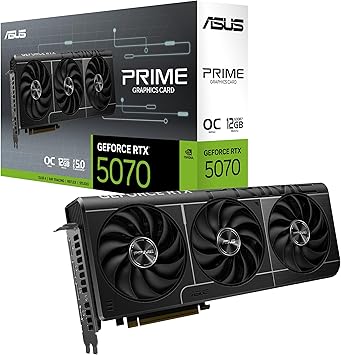
ASUS Prime GeForce RTX 5070 12GB GDDR7 OC Edition Gaming Graphics Card
4.7
1k+ bought
COP 4512025
4795309
34% APAGADO

US Tienda
AMD RyzenTM 9 9900X 12-Core, 24-Thread Unlocked Desktop Processor
1k+ bought
COP 1731434
2639255
9% APAGADO

US Tienda
acer USB 3.0 HDMI Capture Card, 4K HDMI Loop-Out, 1080P 60Hz for Streaming
4.4
1k+ bought
COP 148927
163091

US Tienda
Noctua NT-H2 3.5g, High-Performance Thermal Paste and 3 Cleaning Wipes
4.8
1k+ bought
COP 99928
8% APAGADO
US Tienda
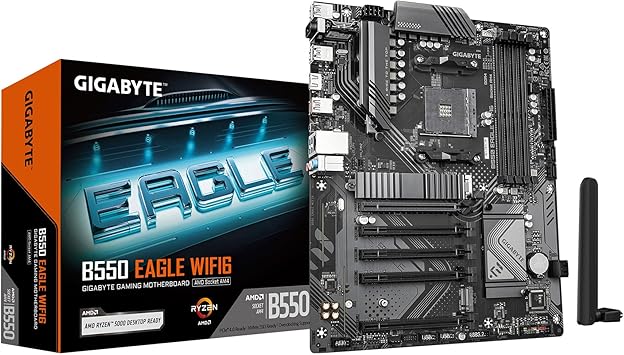
GIGABYTE B550 Eagle WIFI6 AMD AM4 ATX Motherboard, Supports Ryzen 5000/4000/3000 ...
4.5
1k+ bought
COP 598509
650969

US Tienda
ARCTIC MX-6 8 g - Ultimate Performance Thermal Paste for CPU, Consoles, Graphics ...
4.6
1k+ bought
COP 60794

US Tienda
GIGABYTE WiFi 6E GC-WBAX210 2x2 802.11ax/ Tri-Band WiFi/Bluetooth 5.2/ PCIe ...
4.6
1k+ bought
COP 215551
26% APAGADO

US Tienda
ASUS TUF Gaming B550-PLUS WiFi II AMD AM4 3rd Gen RyzenTM ATX DDR4 Gaming ...
4.6
1k+ bought
COP 598509
808349
29% APAGADO

US Tienda
CORSAIR RM1000e 2025 ATX 3.1 PCIe 5.1 Ready 1000W Power Supply Black
4.7
1k+ bought
COP 719167
1018189

US Tienda
ARCTIC P12 Pro PST - 5 Pack - Powerful Premium Fan, 120 mm PWM Fan with Y-Cable ...
4.5
1k+ bought
COP 116401
12% APAGADO

US Tienda
CORSAIR Vengeance LPX DDR4 RAM 16GB 2x8GB Up to 3200MHz CL16-20-20-38 1.35V Intel ...
1k+ bought
COP 755889
860809
18% APAGADO

US Tienda
WiFi 6E Wireless Card Intel AX210 NGW Bluetooth 5.3 Tri-Band 5400Mbps Network ...
4.6
1k+ bought
COP 141793
173583
US Tienda
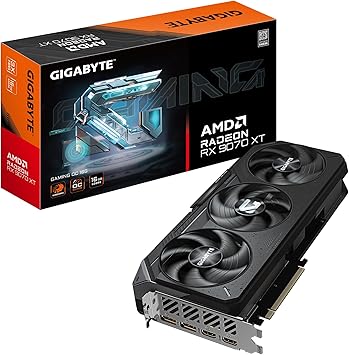
GIGABYTE Radeon RX 9070 XT Gaming OC 16G Graphics Card, PCIe 5.0, 16GB GDDR6, ...
4.4
1k+ bought
COP 5403845
